· Petr Korab · Text Cleaning · 5 min read
Washer: Technical Documentation
Non-developer docs mapping Washer: No-code Online Tool for Text Data Cleaning
Introduction
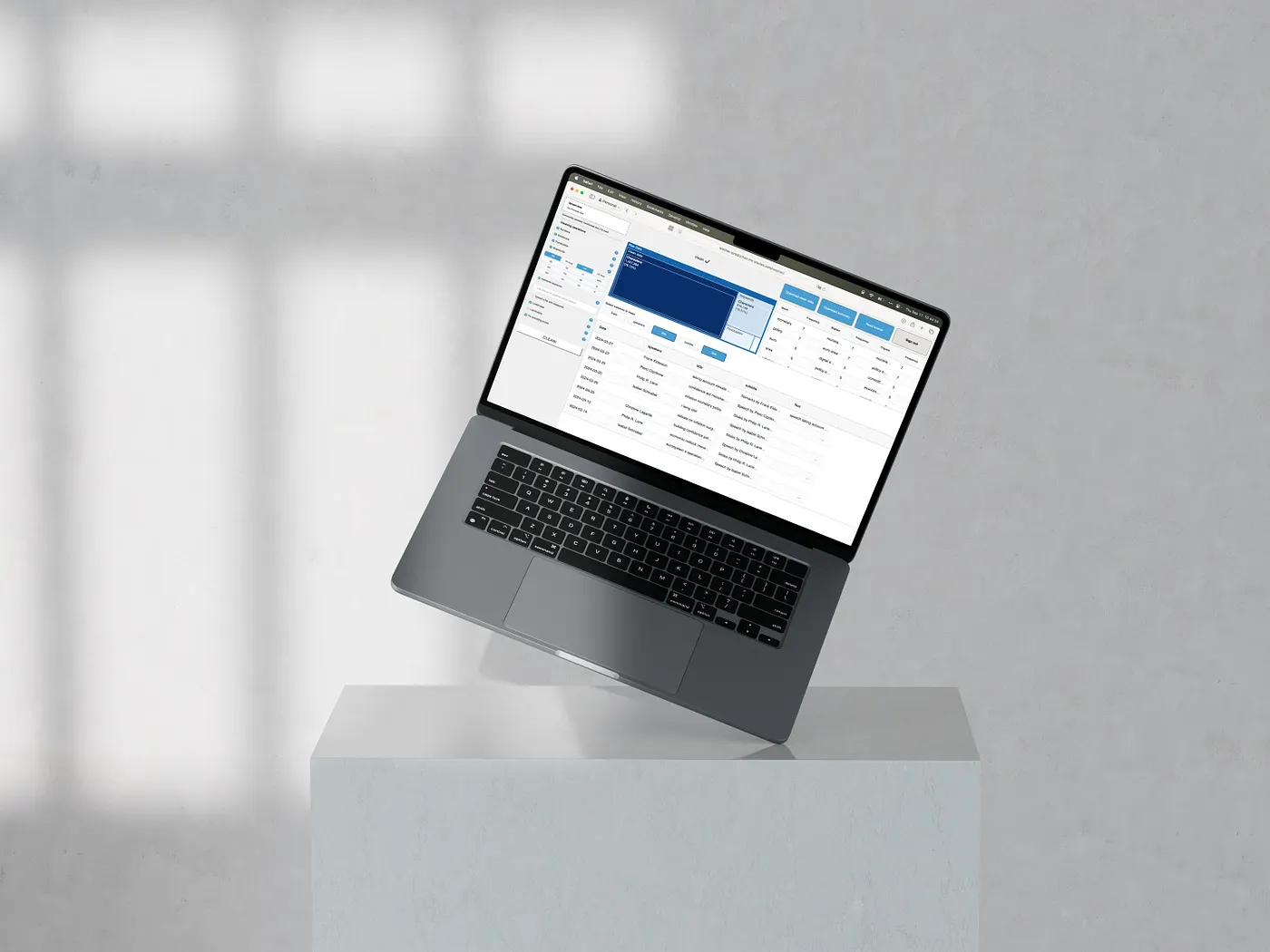
Washer is accessible on the online platform . The detailed hands-on tutorial is on the Text Mining Stories blog.
- Data upload and parsing After upload, the app dynamically generates column selection buttons for the user:
File type detection: Supports CSV, Excel, TXT, and Parquet. Encoding and delimiter detection: Uses automatic encoding and delimiter detection. Size validation: Accepts files up to 20 MB. Do not upload larger files, as your browser window might crash during the file transfer ⚠️ DataFrame construction: Reads the file into a DataFrame, drops empty rows. 2. UI state, session, and user management The UI is highly interactive:
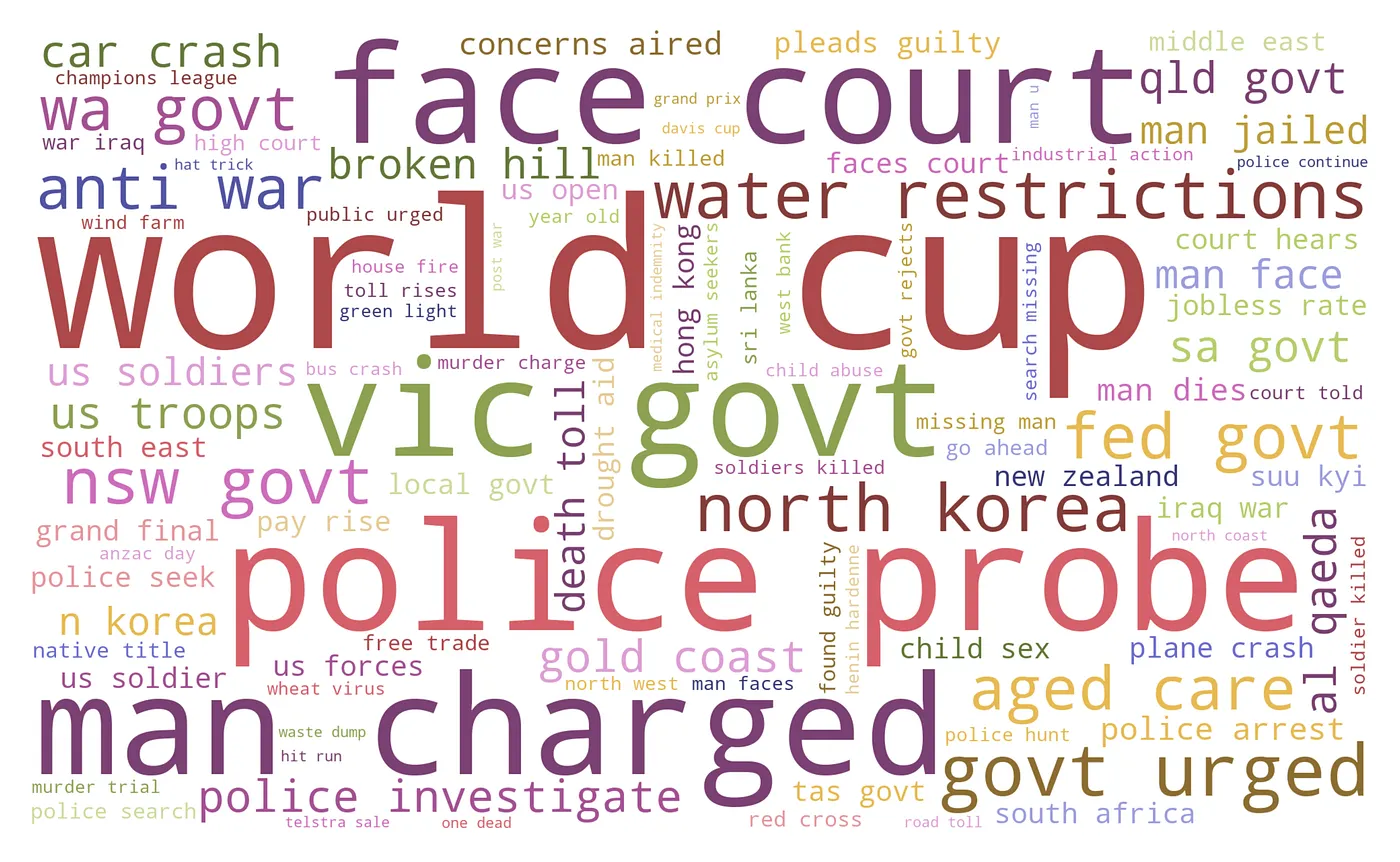
Column selection: Buttons are generated for each column; multi-column selection is allowed. Authentication: Uses Auth0 authentication; each user works in an independent session. Concurrent users: Distributing computation dynamically to 10 concurrent users. Each 11+ user is sharing the computing units with one of the previous incoming 10 users. 3. Individual cleaning options Cleaning options are presented as boxes, checklists, and popovers. Preprocessing is sequential -> each step starts after the preceding step completes (if selected). Image 2 shows the cleaning workflow.
Image 2. Cleaning workflow. Fix encoding errors: we use ftfy.fix_text() to fix inconsistencies and mojibake errors (text that was decoded in the wrong encoding). Numbers: removes 0–9 digits. Emoji: we distinguished between emojis (😀) and emoticons “:-)”. The most common emoticons are removed by selecting the Punctuation option. This option removes emojis from the Full Emoji List, v17.0, emoticons, and additional symbols. Specifically, it removes these objects:
        "["
        "\U0001F600-\U0001F64F"  # emoticons
        "\U0001F300-\U0001F5FF"  # symbols & pictographs
        "\U0001F680-\U0001F6FF"  # transport & map symbols
        "\U0001F1E0-\U0001F1FF"  # flags (iOS)
        "\U0001F900-\U0001F9FF"  # supplemental symbols and pictographs
        "\U00002600-\U000026FF"  # miscellaneous symbols
        "\U00002700-\U000027BF"  # dingbats
        "\U0001F004"             # mahjong tile red dragon
        "\U0001F0CF"             # playing card black joker
        "\U0001F170-\U0001F251"  # enclosed characters
        "\U0001F910-\U0001F96B"  # emoticons (newer)
        "\U0001F980-\U0001F997"  # additional symbols
        "\U0001F9C0-\U0001F9FF"  # supplemental symbols
        "\U00003030"             # wavy dash
        "\U0000303D"             # part alternation mark
        "\U0001F004"             # mahjong tile red dragon
        "\U0001F0CF"             # playing card black joker
        "]+"
Punctuation: removes these characters: !”#$%&’()*+,-./:;<=>?@[]^_{|}~`/– — °…«»
Stopwords: we use NLTK stopwords lists for stopwords cleaning and manually compiled extended lists for the English large and German large options. Country abbreviations in the stopwords checklist are: EN: English, DE: German, EN large: extended list of English, DE large: extended list of German, FR: French, IT: Italian, ES: Spanish, SE: Swedish, FI: Finnish, DEN: Danish, NO: Norwegian (Bokmål), PO: Portuguese, NE: Dutch, SI: Slovene, RO: Romanian.
Complete stopword lists are accessible here.
Additional stopwords: tokens inserted into the box are lowercased, and this lowercased form is removed from the lowercased uploaded text. This case-insensitive option removes all lowercased and upper-cased variants of the token from the text. For example:
👉 “Eye” will remove “eye”, “Eye”, and “EYE”.
👉 “eye” will remove “eye”, “Eye”, and “EYE”.
👉 “EYE” will remove “eye”, “Eye”, and “EYE”.
Uploaded stopwords: tokens in the first column of the uploaded XLSX or CSV file are lowercased, with each token on a separate row. This list of lowercase tokens is then removed from the lowercase text uploaded by the user. Case-insensitive cleaning ensures that all lowercase and uppercase variants of the token are removed. For example:
👉 “Eye” will remove “eye”, “Eye”, and “EYE”.
👉 “eye” will remove “eye”, “Eye”, and “EYE”.
👉 “EYE” will remove “eye”, “Eye”, and “EYE”.
Lowercase: converts all text to lowercase. Lemmatization: we use Token.lemma_ method from Spacy to lemmatize text. This dictionary maps lemmatization languages with Spacy models:
    models = {
        'en_core_web_sm',    # English
        'de_core_news_sm',   # German
        'es_core_news_sm',   # Spanish
        'fr_core_news_sm',   # French
        'it_core_news_sm',   # Italian
        'pt_core_news_sm',   # Portuguese
        'nl_core_news_sm',   # Dutch
        'sv_core_news_sm',   # Swedish
        'fi_core_news_sm',   # Finnish
        'da_core_news_sm',   # Danish
        'sl_core_news_sm',   # Slovene
        'nb_core_news_sm',   # orwegian (Bokmål)
        'ro_core_news_sm'    # Romanian
    }
⚠️Choose a lemmatizer for the language of the text. Using the lemmatization option for a different language, e.g., EN (= English) for German text, will not make any update in the original text. Country abbreviations in the lemmatization checklist are:
EN: English, DE: German, FR: French, IT: Italian, ES: Spanish, SE: Swedish, FI: Finnish, DEN: Danish, NO: Norwegian (Bokmål), PO: Portuguese, NE: Dutch, SI: Slovene, RO: Romanian.
- Data presentation Word frequency editor Computes word, bigram, and trigram frequencies in clean data. Presents the top 30 n-grams. Updates the table interactively after cleaning Cleaning summary plot Presents shares and volumes of removed characters from the uploaded file for each cleaning operation. Shows how much data shrank after cleaning. Updates dynamically after cleaning.
- File download and summary Washer allows users to download:
Clean data: downloaded file is of the same file format as the uploaded file, prefixed with the uploaded filename, suffixed with _clean (e.g., amazon_dog_food_reviews.xlsx -> amazon_dog_food_reviews_clean.xlsx). Cleaning summary: xlsx file with summary of operations, prefixed with uploaded filename: (e.g., amazon_dog_food_reviews.xlsx -> amazon_dog_food_reviews_cleaning_summary.xlsx). The cleaning summary sheet shows how many tokens (= words) or characters (where appropriate) each cleaning operation removed from the uploaded file:
Press enter or click to view image in full size
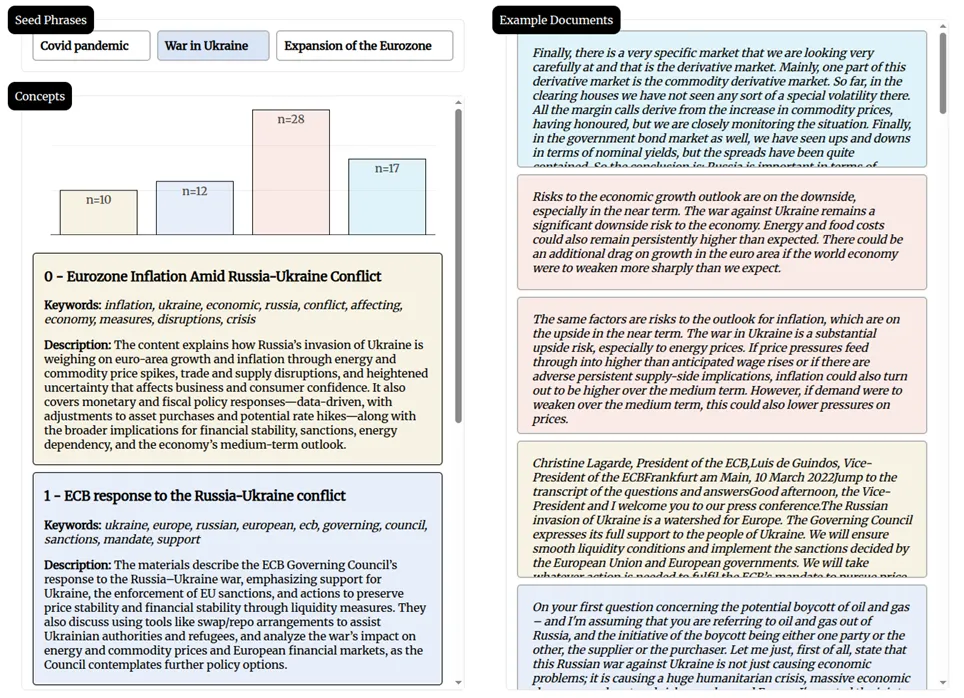
Image 3. Cleaning summary in the exported file. ➡️ Original data: volume of characters/ tokens (= words) in the cleaned columns of the uploaded file.
➡️ Removed data: volume of characters/ tokens (= words) in the cleaned columns of the exported file.
➡️ [%] of removed data: share of removed data by each cleaning operation.
➡️ Selected: x if options selected, otherwise blank.
➡️ Selected columns: column in the original file where cleaning was applied.
➡️ Lemmatization language: language used with the lemmatization option (if lemmatization is selected)
The stopwords sheet lists all stopwords removed from text with the Stopwords option. The additional stopwords sheet lists all uploaded stopwords removed with the additional stopwords option.